NotebookLM: FAQ on Google's grounded AI assistant
Powered by Google's multimodal Gemini 1.5 Pro architecture, NotebookLM represents a paradigm shift in personalized knowledge management and AI marketing research.
Unlike open-ended chatbots that generate answers from vast, uncontrolled web datasets—frequently resulting in hallucinations—NotebookLM anchors its understanding strictly to your own uploaded documents.
Explore this comprehensive 30-question FAQ covering source formats, enterprise confidentiality, Audio Overview podcasts, study guides, and strategic business applications.
 Author: Thierry P. Gaillard -
 What is the core added value of NotebookLM?
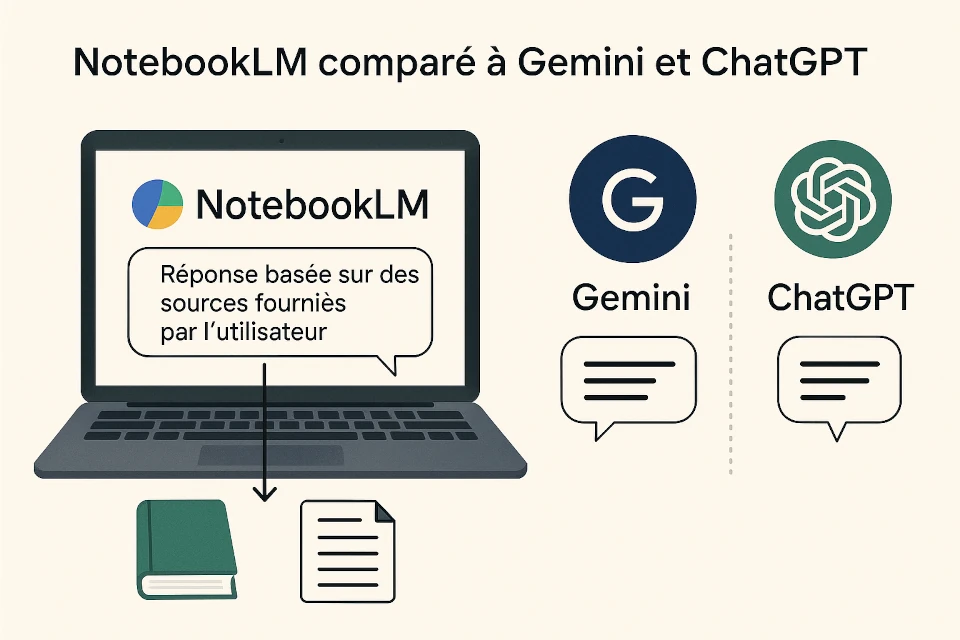
Unlike general-purpose conversational LLMs like Gemini or ChatGPT that draw answers from vast internet training corpora—often risking factual inaccuracies and hallucinations—NotebookLM generates responses strictly derived from the sources you explicitly upload.
NotebookLM serves as your personalized virtual research assistant, helping you understand, synthesize, and interrogate complex documentation with confidence.
Furthermore, your uploaded data remains secure and confidential: it is never used to train Google's foundational AI models.
What about data privacy? Does NotebookLM operate in a closed circuit?
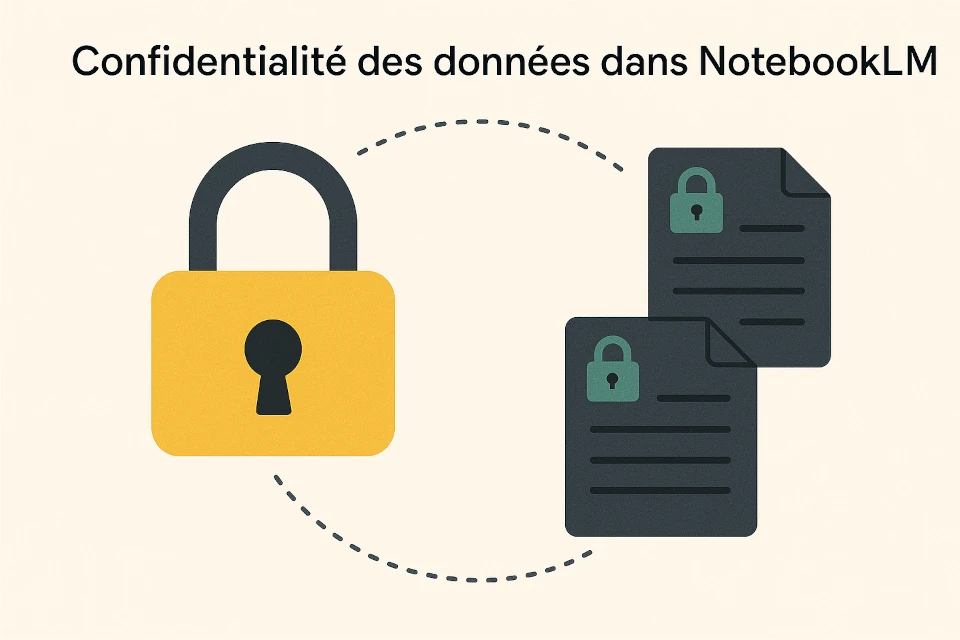
Yes, NotebookLM operates in a closed, confidential environment regarding your uploaded materials.
Specifically, your uploaded documents and conversational queries are not shared publicly or used to train Google's general AI models without your authorization.
However, you have the option to "pin" or save notes to retain specific insights within your private notebook. For professional accounts via Google Workspace, enterprise-grade data protection, security, and compliance protocols apply.

Can NotebookLM analyze text contained within image or video sources?
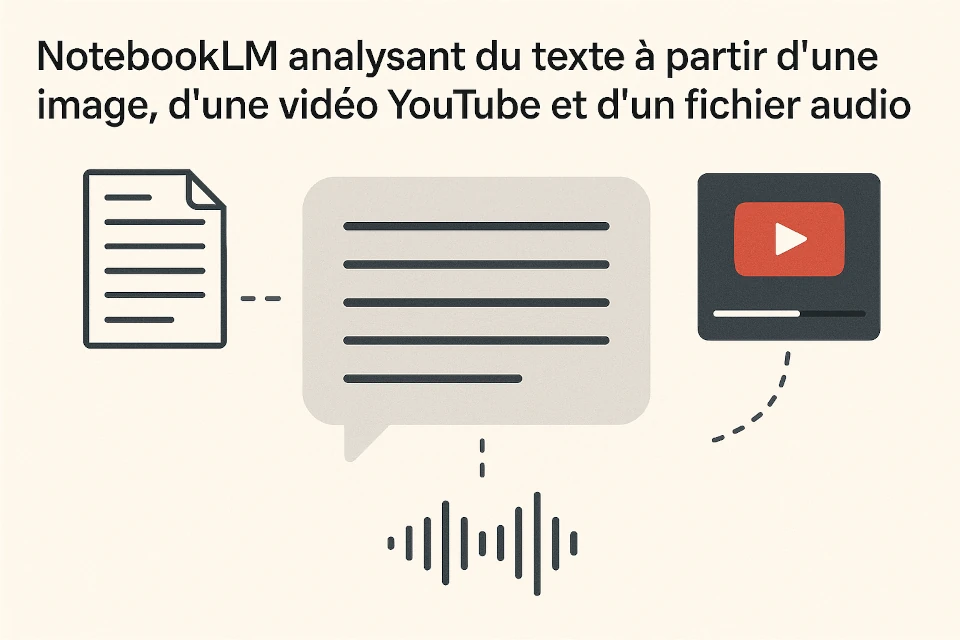
NotebookLM focuses primarily on text analysis. It cannot directly extract information from images or audio/video files unless they contain readable text (such as PDFs containing OCR-processed text or documents with transcribed captions).
For videos, such as YouTube links, NotebookLM can analyze the spoken text by transcribing the audio track into a readable source. Supported file types include Google Docs, PDFs, plain text, and web URLs.
Can you connect live LinkedIn or Indeed job alerts as sources?
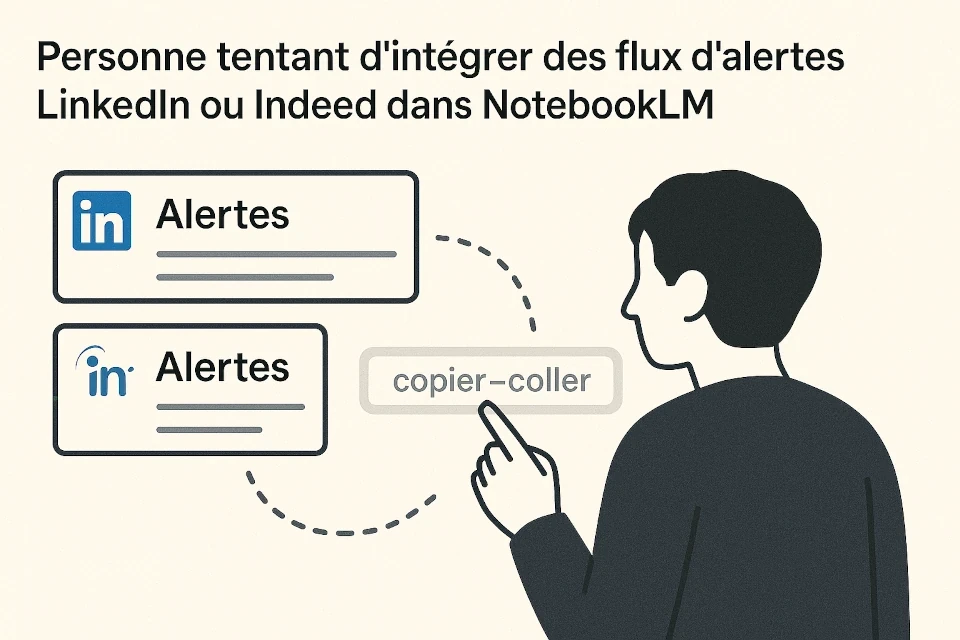
NotebookLM does not offer direct API connectors for live social media alerts or dynamic job feeds like LinkedIn or Indeed. However, you can easily save job postings or alert emails as PDFs, text files, or static web pages and import them as distinct sources within your notebook.
For web links, does it crawl an entire website or must you share individual URLs?
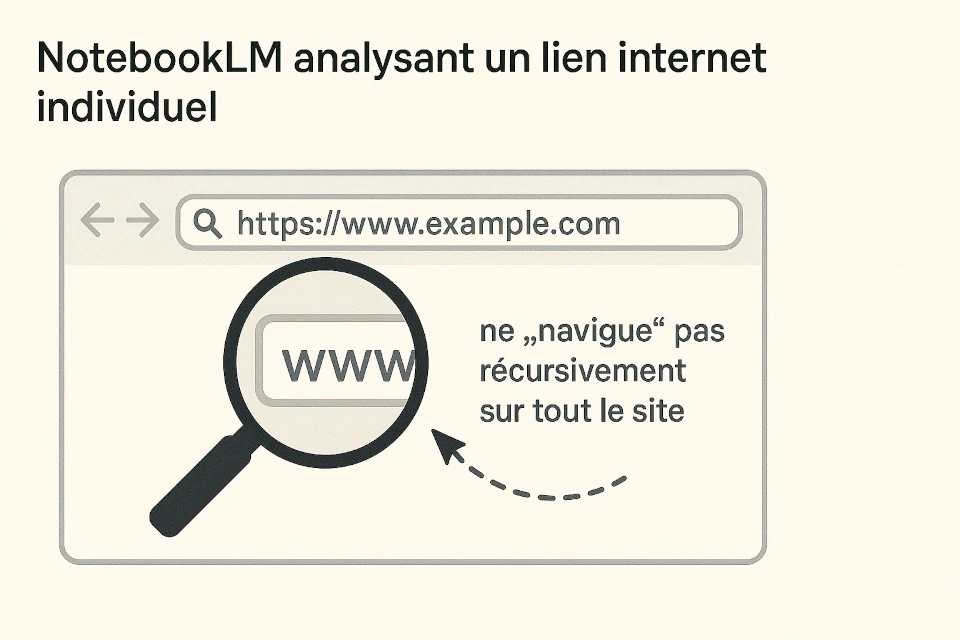
NotebookLM analyzes specific URLs that you provide individually. It does not perform full recursive web crawling across an entire domain. To analyze multiple pages from a website, simply add the relevant URLs as separate sources in your notebook (up to 50 sources per notebook).
Can it use web page PDF capture tools or browser extensions?
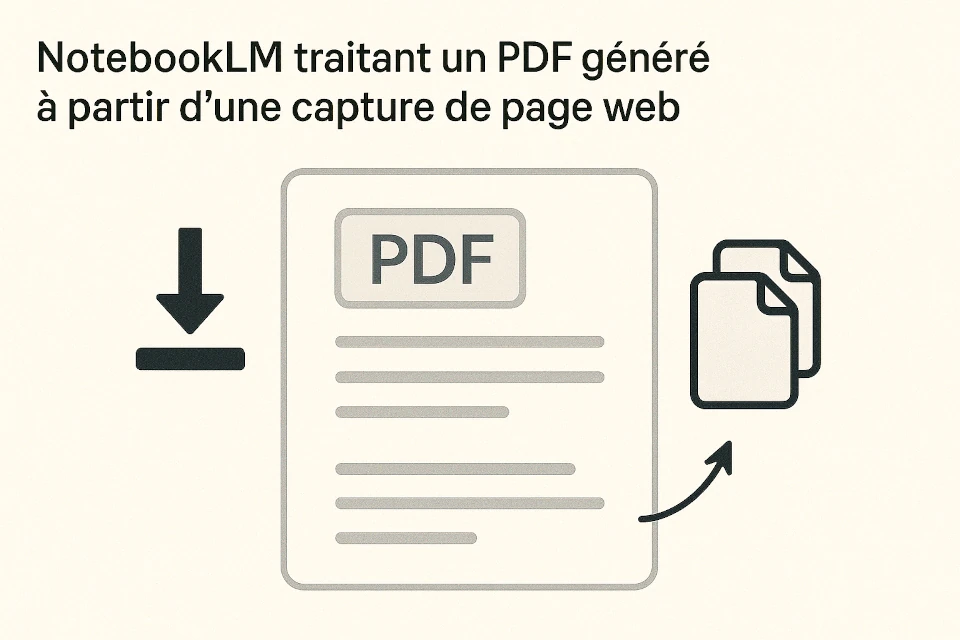
Yes. You can use any browser extension or print-to-PDF utility to capture clean web pages and upload them as PDF files into NotebookLM. This is often the cleanest way to capture paywalled or login-protected articles.
Can a massive document, such as a 2,500-page PDF, be processed?
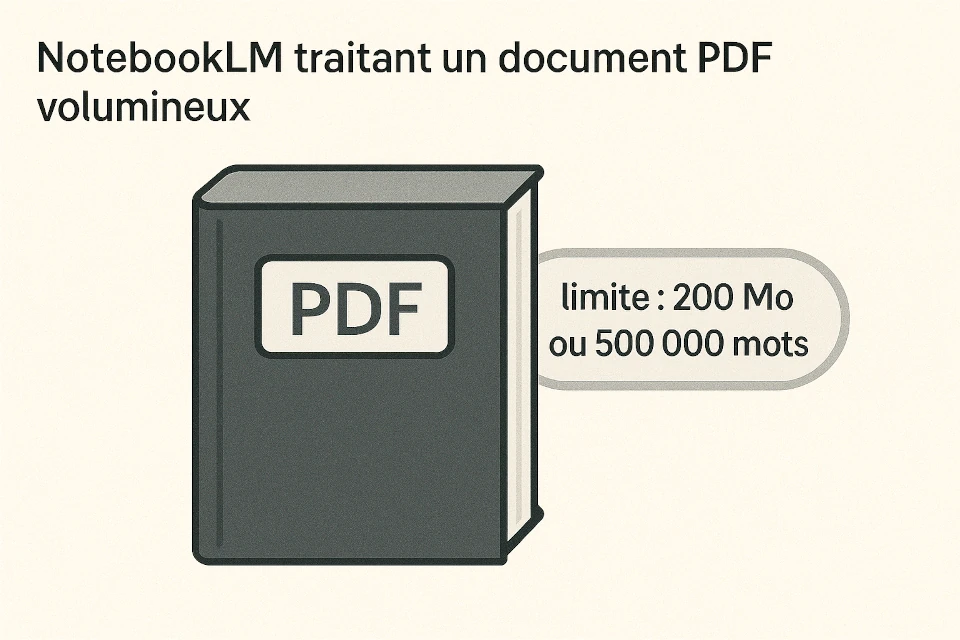
Yes. Thanks to the massive context window of Gemini 1.5 Pro (capable of handling up to 1 million tokens), NotebookLM can ingest lengthy documents, including 2,000+ page manuals or academic dissertations, provided they remain within the 500,000-word limit per source file.
What do the symbols or numbered citations in NotebookLM's answers represent?
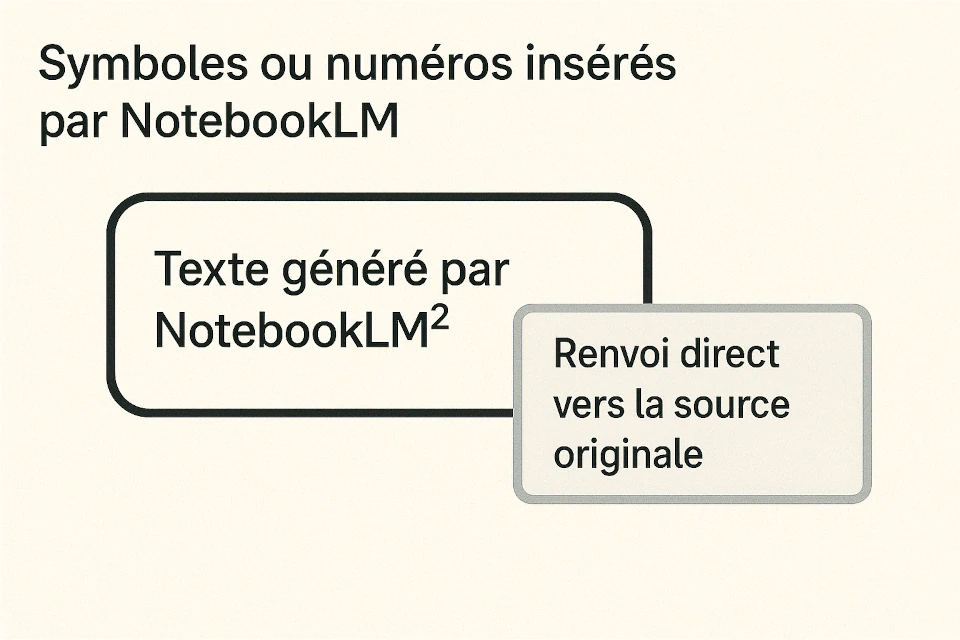
These numbers represent interactive source citations. Clicking any citation number opens a side panel highlighting the precise paragraph or sentence in your uploaded source that supports the model's claim, allowing instant verification.
With a cover letter and resume as sources, can NotebookLM prepare you for an interview?
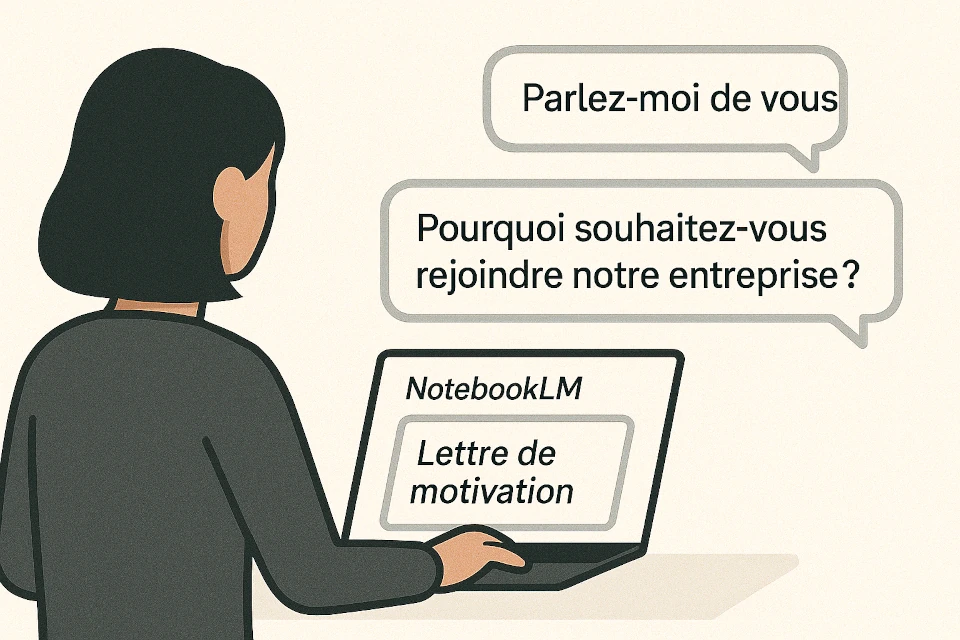
Absolutely. By uploading your resume, cover letter, and the target job description, you can prompt NotebookLM to simulate interviewer questions, pinpoint potential skill gaps, and suggest compelling talking points tailored specifically to your experience.
How do you sign up and log in to NotebookLM?
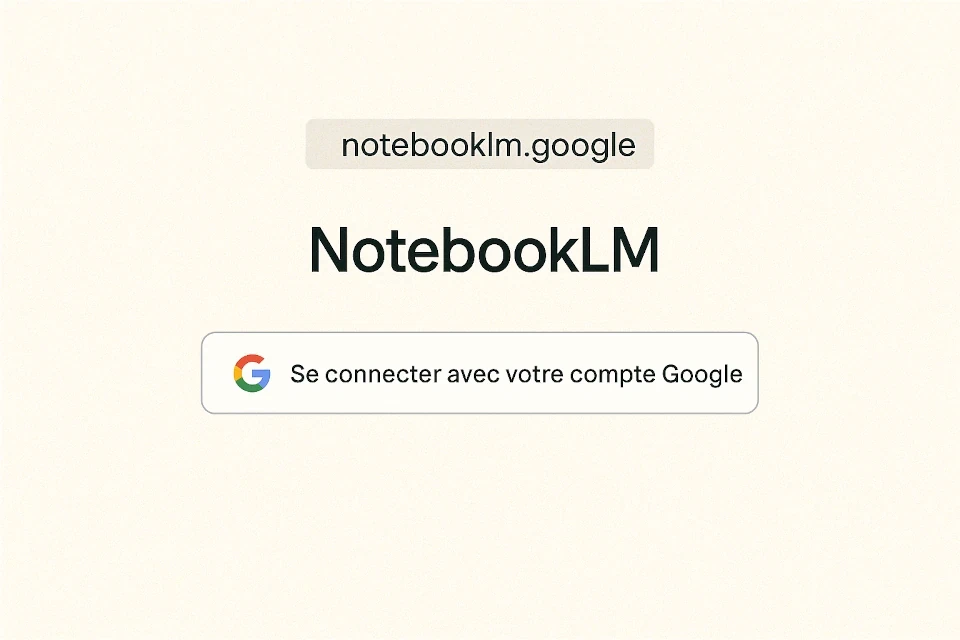
Visit notebooklm.google.com and log in with your personal Google account or Google Workspace credentials. The application is web-based and runs in any modern browser without requiring local software installation.
Can recruiters detect whether you used NotebookLM?
No. Documents or preparatory notes you generate in NotebookLM are private. When you export or copy text, there are no hidden watermarks or metadata identifying NotebookLM. However, ensuring that the tone and content genuinely reflect your own professional voice remains essential.
Does the tool work with LinkedIn for profile analysis and content optimization?
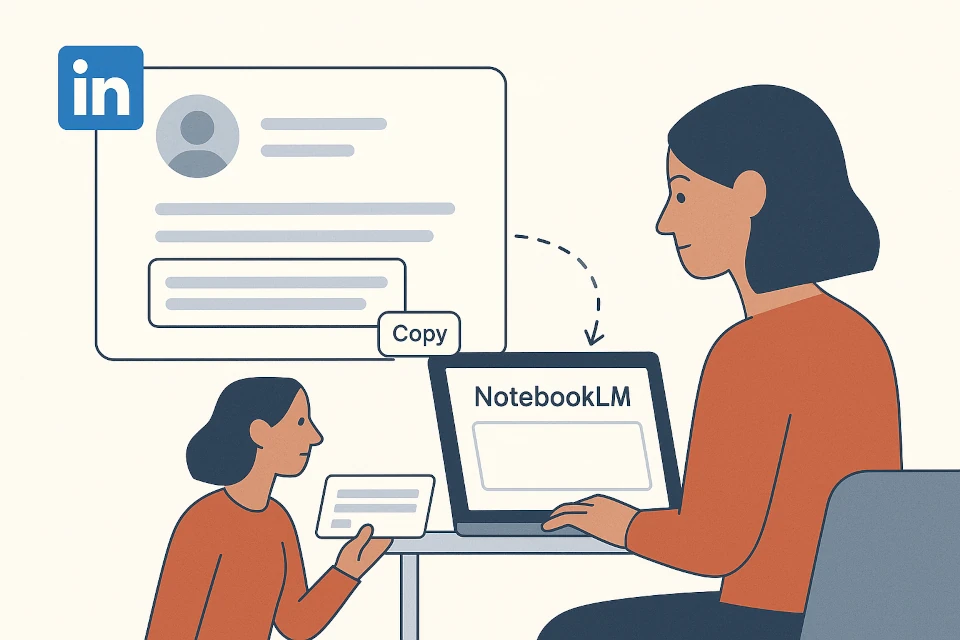
No, NotebookLM does not feature a native API integration with LinkedIn to dynamically analyze live profiles or company pages.
However, LinkedIn allows you to download your profile in PDF format, which you can then upload directly as a source into NotebookLM to optimize your headline, about section, or career trajectory.
What is the maximum number of sources you can add to a single notebook?
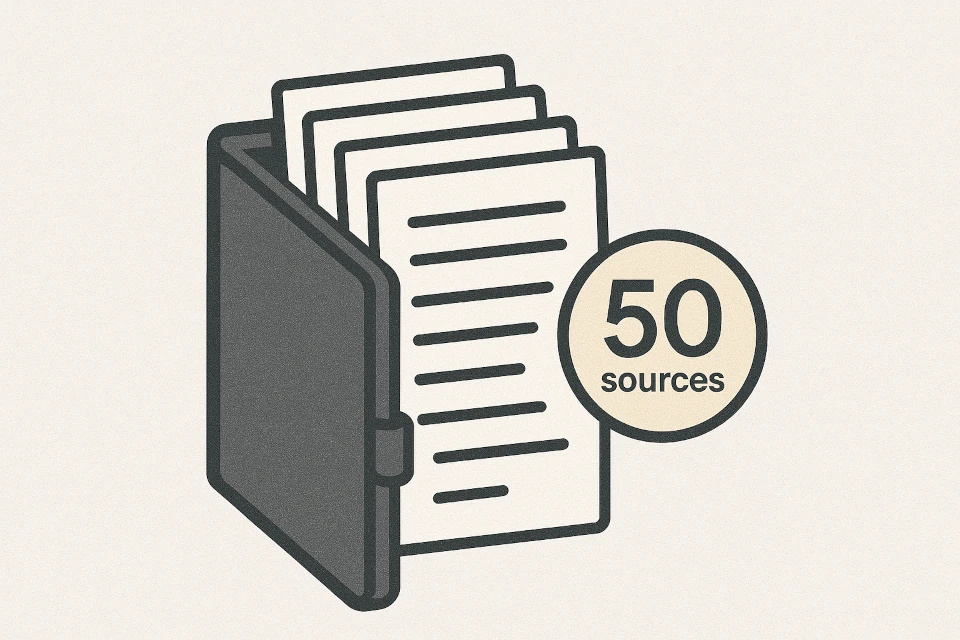
Currently, NotebookLM allows you to add up to 50 distinct sources per notebook. Each notebook functions as an independent, isolated workspace dedicated to a specific project, client, or topic.
Is there a character or word limit per source?
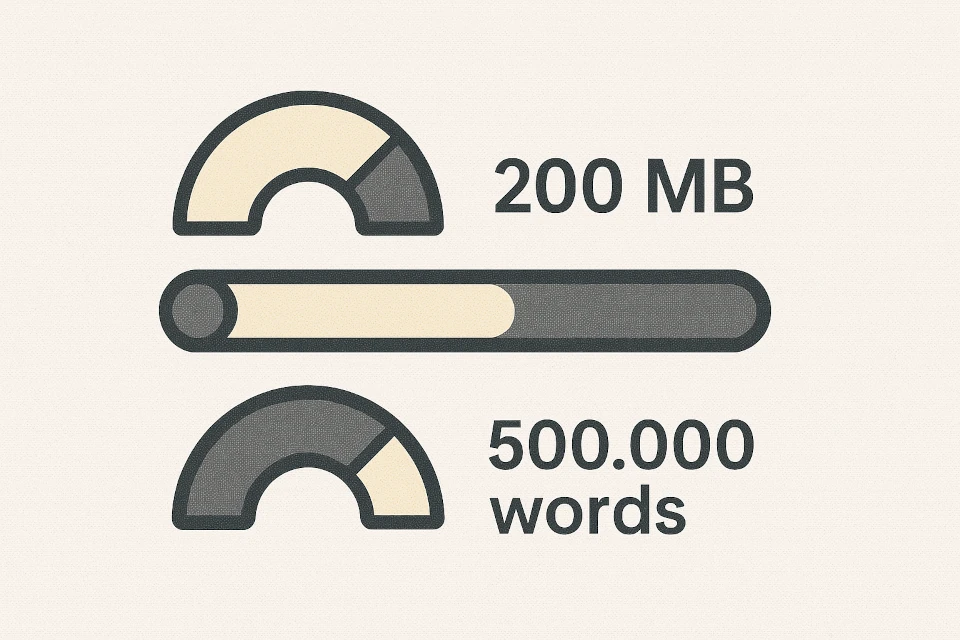
Yes. Each individual source can contain up to 500,000 words. Across 50 sources, a single notebook can house an astonishing volume of reference material—equivalent to dozens of complete textbooks.
Can you export summaries and generated insights from NotebookLM?
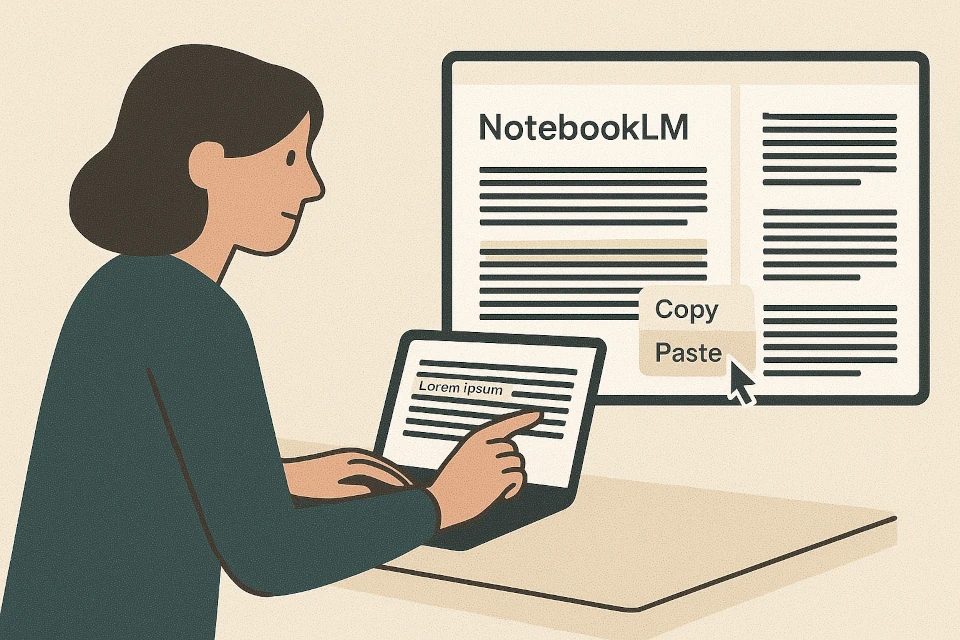
Currently, NotebookLM does not feature a one-click button to export entire conversations or the full notebook. However, you can easily save individual responses as persistent notes, copy text to your clipboard, or export saved notes directly into Google Docs.
Is NotebookLM available in multiple languages?
Yes. NotebookLM is available in over 200 countries and supports more than 35 languages, including English, French, Spanish, German, Japanese, and Portuguese, for both user interface navigation and source document analysis.
How should you organize sources within a notebook?
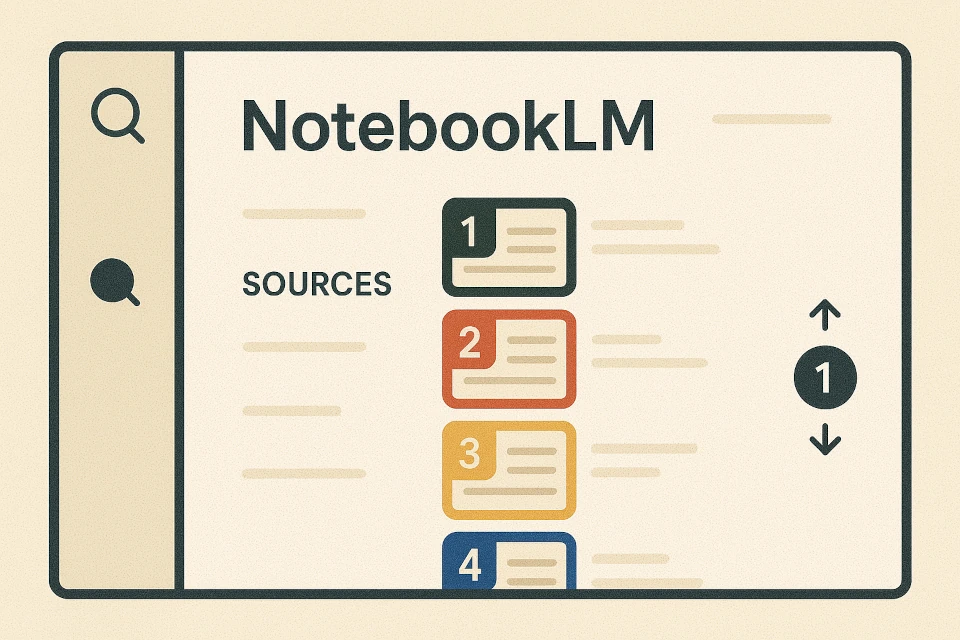
Within a notebook, sources are displayed in the left panel and can be browsed individually. You can use checkboxes next to each source to instruct NotebookLM to query only selected documents when answering a prompt.
Can NotebookLM generate long-form documents like reports or essays from sources?
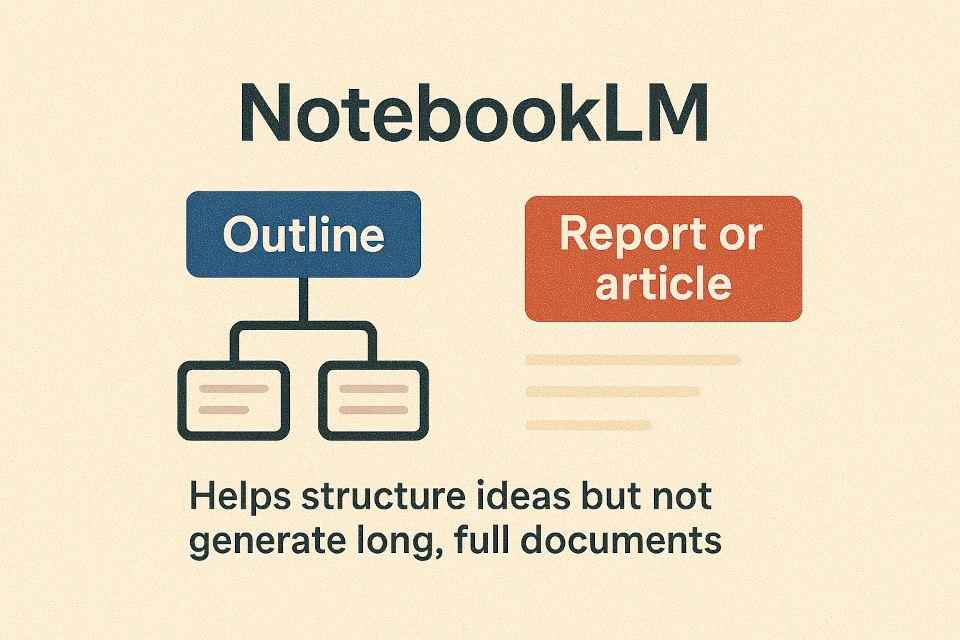
NotebookLM is primarily designed to deliver concise answers, synthesis notes, and structured overviews based on your sources. While it can produce multi-paragraph briefings, it is not optimized for writing full-length novels or comprehensive treatises in a single prompt.
Can NotebookLM generate podcasts in languages other than English?
Initially launched in English, Google is actively expanding the Audio Overview podcast generation feature to support additional major languages, while continuous improvements in synthetic voice naturalness roll out globally.
What is the "Audio Overview" feature in NotebookLM?
Audio Overview is an innovative feature that transforms your uploaded documents into an engaging, conversational podcast hosted by two AI voices. The synthetic hosts summarize key takeaways, debate nuances, draw analogies, and banter naturally about your material.
Can the podcasts generated by NotebookLM be downloaded?
Yes. Once the Audio Overview podcast generation completes, you can download the episode as an audio file (.wav or .m4a) to listen offline, share with teammates, or review during commutes.
Is the podcast generation feature permanent and stable?

Yes. Audio Overview has become one of NotebookLM's flagship features. While labeled as experimental during early rollout, Google has prioritized its ongoing development, audio quality, and linguistic expansion.
Is interactive conversation possible with the AI voices during Audio Overview playback?
Google is testing interactive capabilities allowing users to interrupt the audio hosts, ask clarifying questions, and receive spoken clarifications in real time, moving toward dynamic audio tutorials.
What is a "Mind Map" in NotebookLM and what is its purpose?
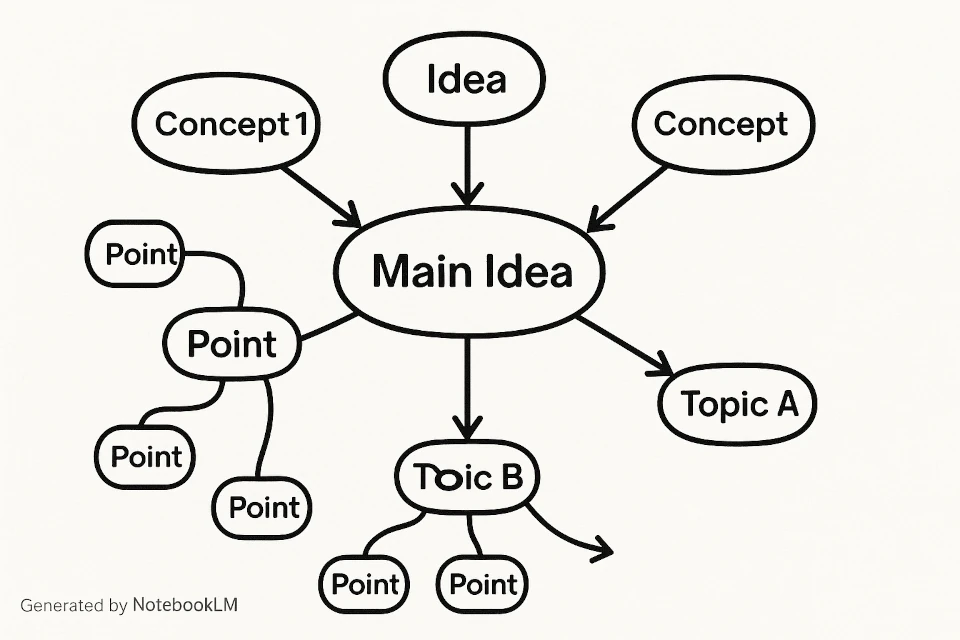
The conceptual mind map feature extracts foundational themes, key entities, and semantic relationships from your sources, visually organizing them to help users understand complex interdependencies at a glance.
How can the "Study Guide" feature help with learning and memorization?
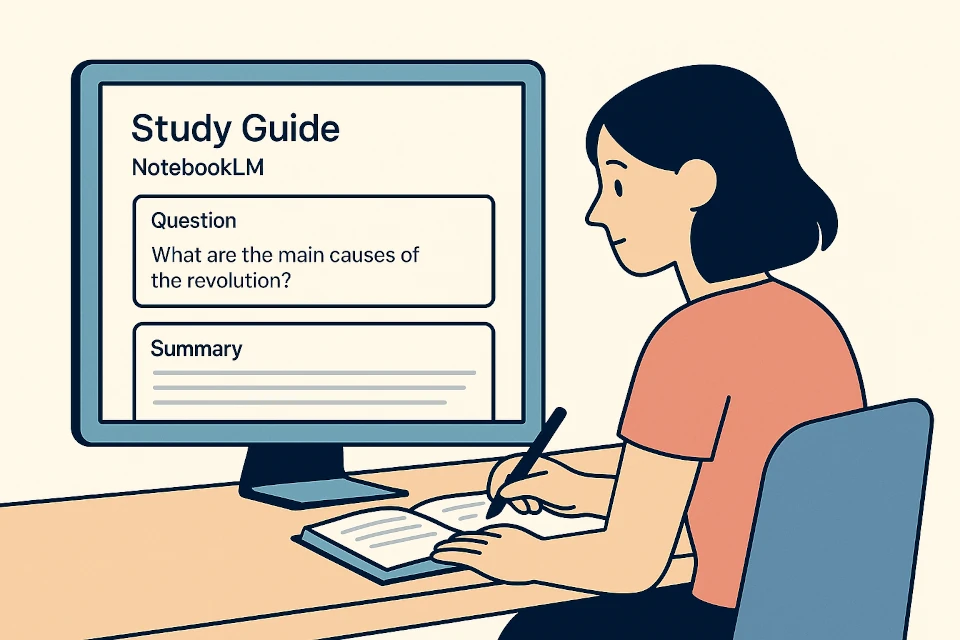
With a single click, the Study Guide feature generates quiz questions, short-answer comprehension checks, glossary terms, and thematic essay prompts based directly on your uploaded notes, creating a personalized learning curriculum.
What is a "Briefing Document" in NotebookLM?
A Briefing Document is an automated executive summary that synthesizes core findings, actionable recommendations, and relevant facts across all selected sources into a clean, concise format suitable for stakeholder presentations.
How does NotebookLM generate "frequently asked questions" (FAQs)?
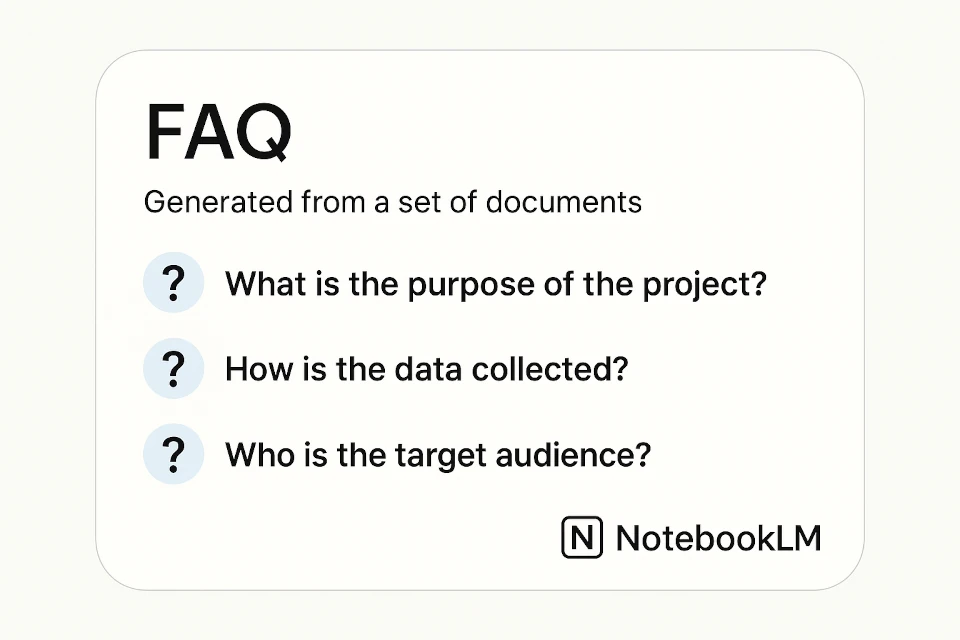
NotebookLM analyzes your documents to identify common inquiries, ambiguities, or foundational concepts that an audience would likely ask, formulating structured question-and-answer pairs complete with source citations.
What is the "Timeline" feature in NotebookLM and how is it constructed?
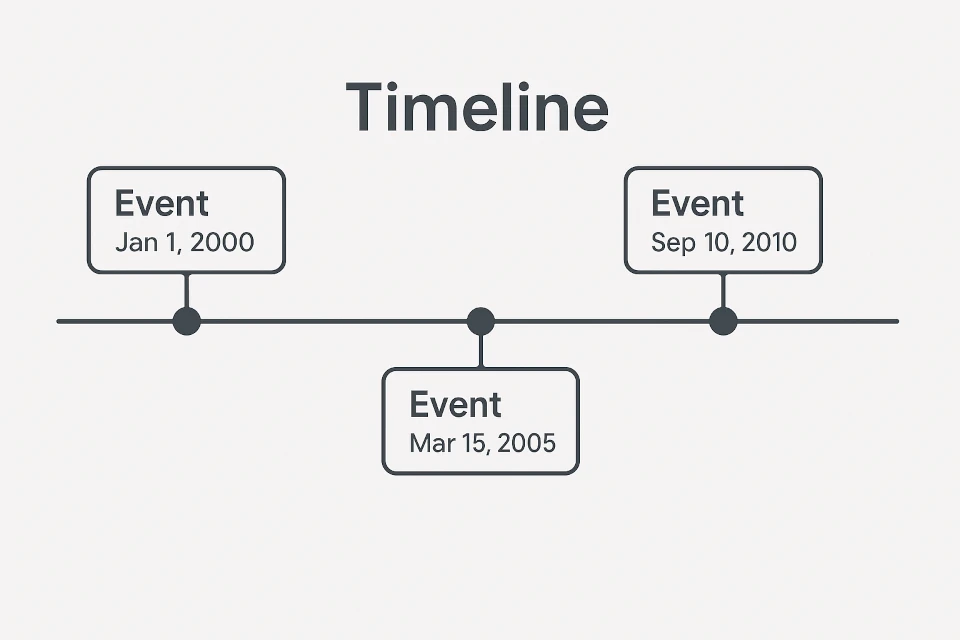
The Timeline feature automatically extracts dates, milestones, historical events, and project deadlines scattered across your source documents, organizing them into a chronological sequence for project tracking or historical research.
How can enterprise teams and businesses leverage NotebookLM?
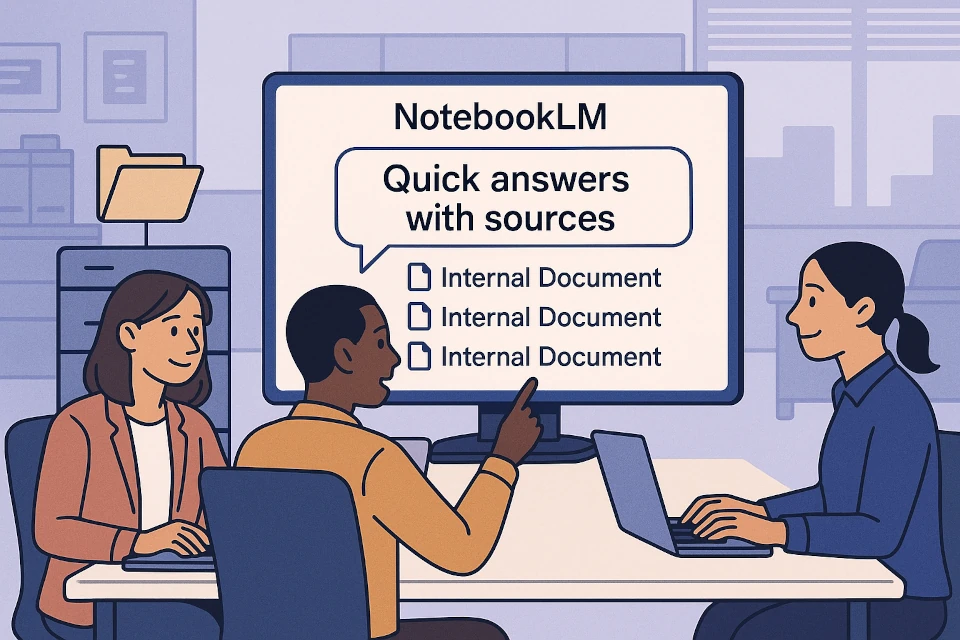
Businesses utilize NotebookLM for internal knowledge management, employee onboarding on complex SOPs, competitive intelligence synthesis, legal contract review, and rapid client proposal drafting—all within a private, verifiable environment.
Are there paid versions of NotebookLM and what advantages do they offer?
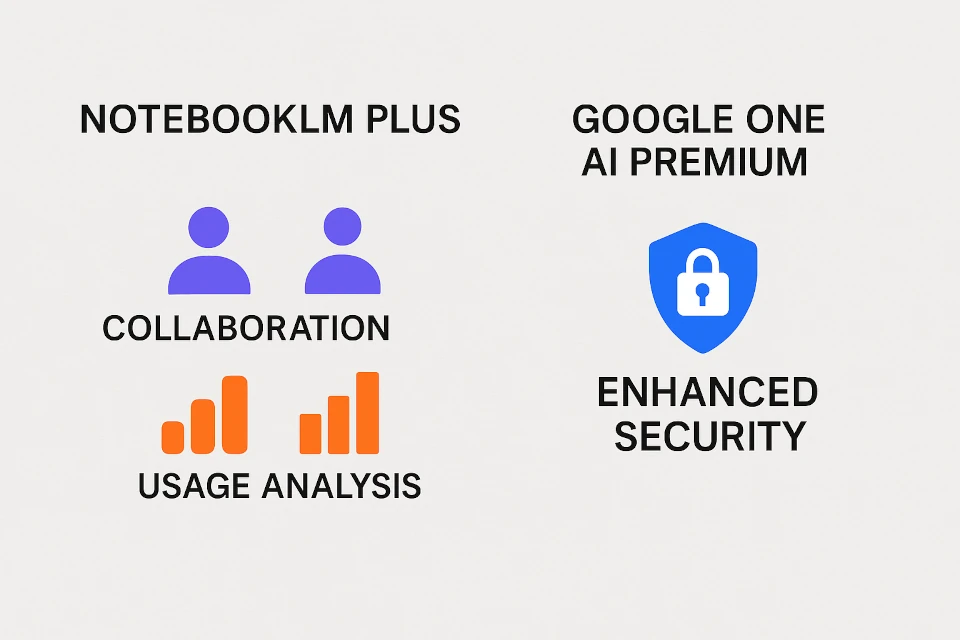
Yes, enterprise versions of NotebookLM are available through Google Workspace and Google Cloud (NotebookLM Plus / Enterprise).
Key organizational benefits include:
- Increased capacity: higher generation quotas and increased source limits per notebook.
- Collaboration features: seamless notebook sharing and team permission controls.
- Enterprise security: strict data residency compliance, zero model training on customer data, and administrative domain management.